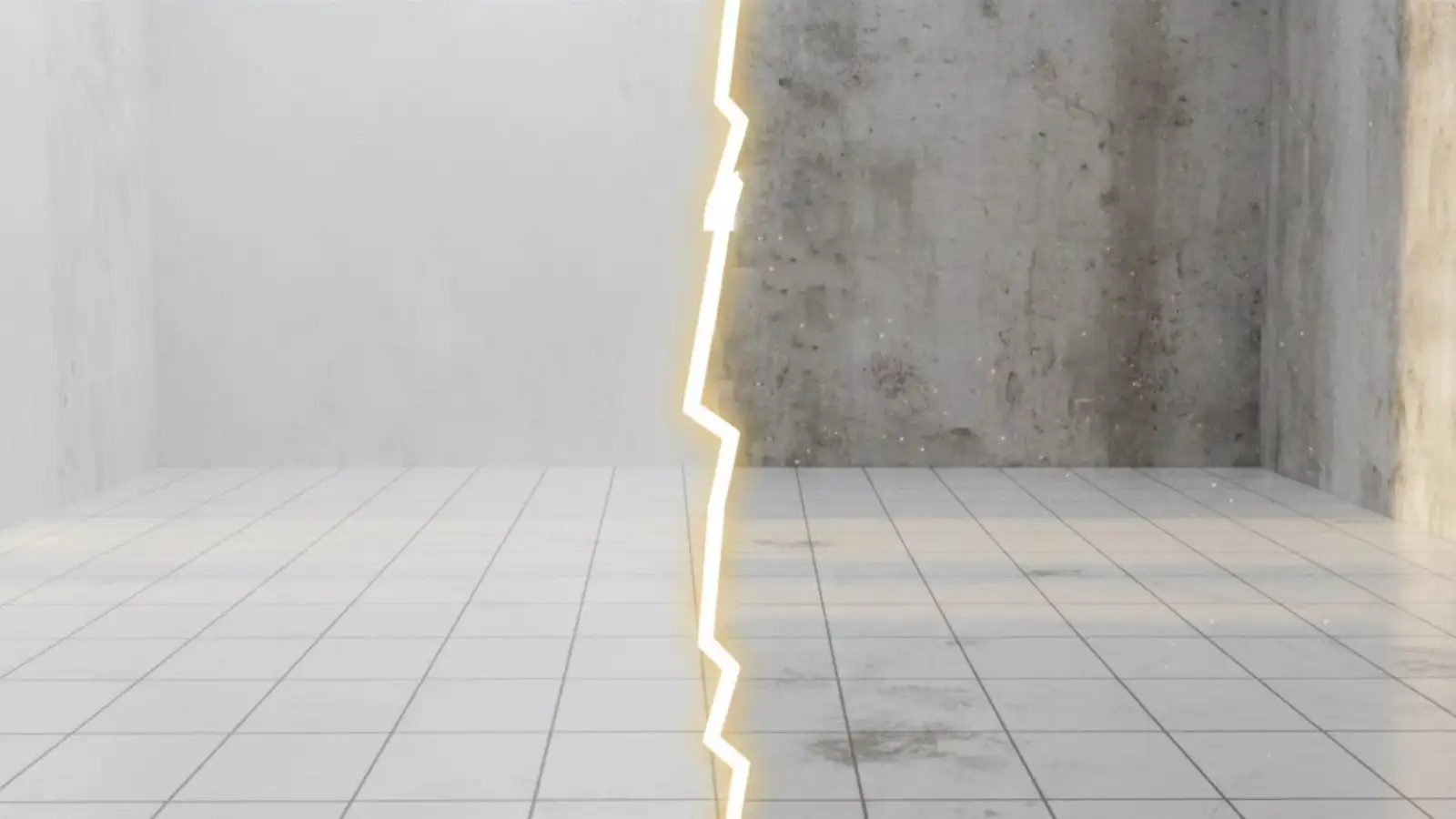
Why Clean Textures Often Look Fake in 3D Renders
Many artists assume that the cleaner a texture looks, the more realistic the final render will be. High resolution, sharp details, no visible dirt or wear. On paper, this sounds like the correct approach.
In practice, it often leads to the opposite result. Scenes start to feel artificial, flat, or strangely lifeless, even when lighting and materials are set up correctly.
The issue becomes especially noticeable on large surfaces like floors, walls, roads, and terrain.
Clean surfaces remove visual context
In the real world, surfaces constantly interact with their environment. Dust settles unevenly, light hits different areas with different intensity, and materials age at different rates.
When a texture is perfectly clean and uniform, all of that context disappears. The surface stops communicating how it exists in the world.
Our eyes are very good at detecting this absence, even if we cannot immediately explain what feels wrong.
Large surfaces expose repetition
Small objects can hide uniform textures relatively well. Props, assets, and details do not stay on screen long enough for repetition to become obvious.
Large surfaces behave differently. Floors, walls, and terrain give the eye time to scan, compare, and recognize patterns.
When variation is missing, repetition becomes visible, scale becomes harder to read, and the surface starts to feel flat.
Why variation matters more than resolution
Increasing texture resolution alone does not solve this problem. In some cases, it makes it worse.
High-resolution textures without variation simply repeat the same information more clearly. What actually improves realism is variation in roughness, subtle color shifts, and micro detail that reacts differently to light.
This applies regardless of whether you are working in Blender or Unreal Engine. The renderer changes, but how the human eye reads surfaces does not.
Designing textures for realism
Textures that are based on real-world surfaces tend to perform better because they already include controlled imperfection.
This does not mean everything needs to look dirty or damaged. It means surfaces should contain enough variation to avoid looking artificial when used at scale.
When textures are designed with this in mind, artists spend less time trying to fix flat-looking materials and more time focusing on composition and lighting.
Conclusion
If a surface looks technically correct but still feels fake, the problem is often not your render settings.
It is usually a lack of variation.
Using texture libraries built around real-world surface behavior can help avoid this issue from the start. Resources like LotPixel focus on natural variation rather than perfect uniformity, making it easier to build believable scenes without heavy manual tweaking.