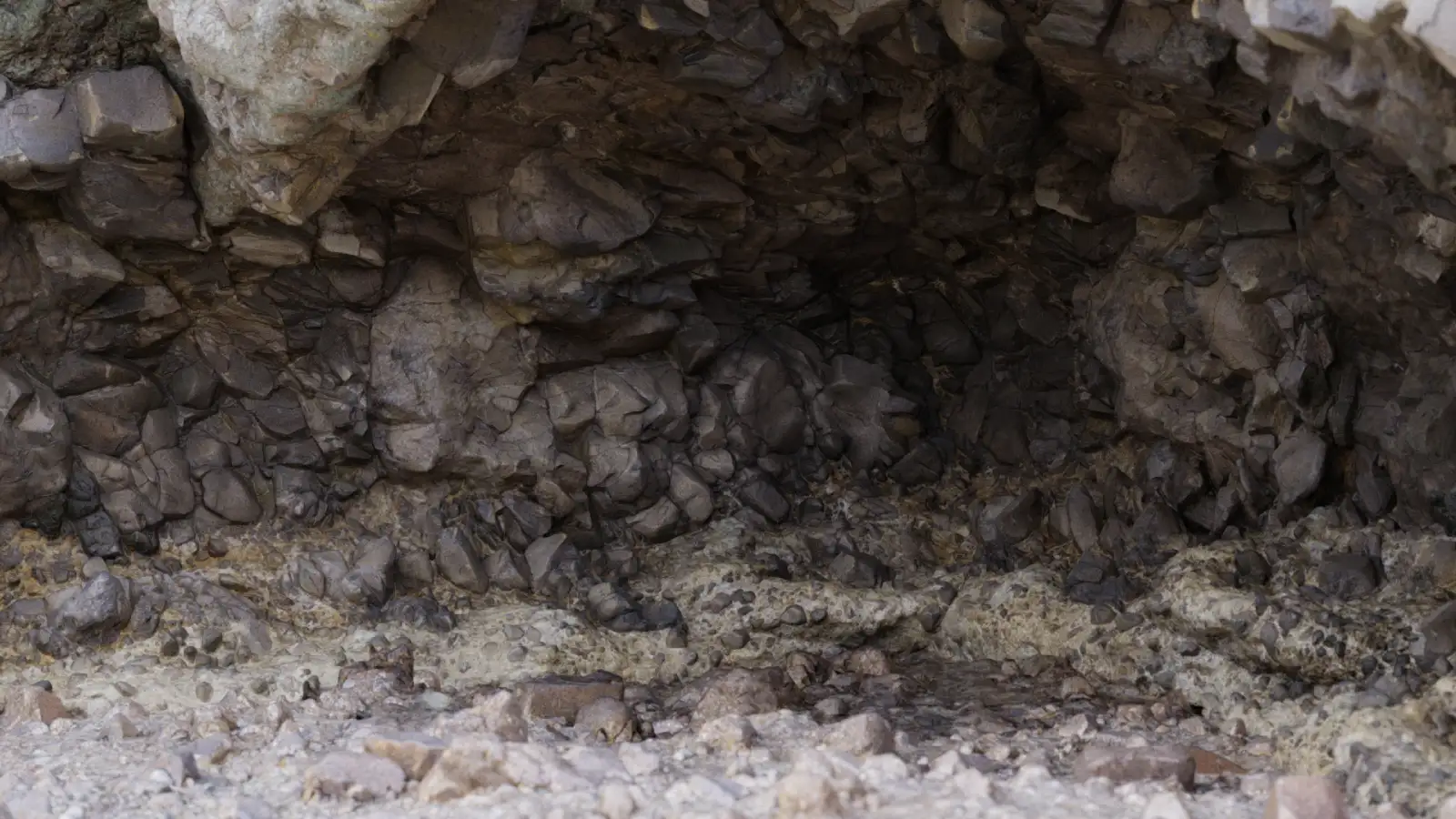
Notes on Ground Surfaces in Blender and Unreal Engine Scenes
I've been jumping between different projects lately, some in Blender, some in Unreal Engine, and one thing keeps repeating itself.
Even when the models are solid and the lighting setup is decent, the scene often feels off. Most of the time, the problem ends up being the ground.
In Blender, this usually shows up when a surface looks too clean or too uniform under light. In Unreal Engine, it often happens when tiling becomes obvious as soon as the camera pulls back. Different tools, same problem.
Ground surfaces are tricky because they cover so much screen space. Dirt, gravel, sand and asphalt are everywhere in outdoor scenes, and our eyes seem very good at noticing when something doesn't behave naturally.
Repetition is the first thing I notice. Not always immediately, but once you see the pattern, it's impossible to ignore. This happens regardless of whether the texture is 2K or 8K.
Scale issues make things worse. A ground texture can be high quality, but if stones, cracks or surface detail feel slightly oversized or too fine, the scene starts to feel like a miniature set.
I've also noticed that flat roughness is a common problem, especially when materials are set up quickly. Real ground surfaces react to light in uneven ways because of dust, wear and moisture. Without that variation, everything feels artificial.
Tools obviously matter. I spend most of my time in Blender and Unreal Engine, and both give you enough control to fix these issues. But starting from the right textures saves a lot of time.
For ground focused materials, I've been using this collection as a reference:
https://www.lotpixel.com/texture-library/ground-textures
It doesn't solve everything automatically, but it removes many of the obvious problems early in the process.